
Feb 4, 2026
How to Fill Online Forms Without Stress (Checklist + Common Mistakes)
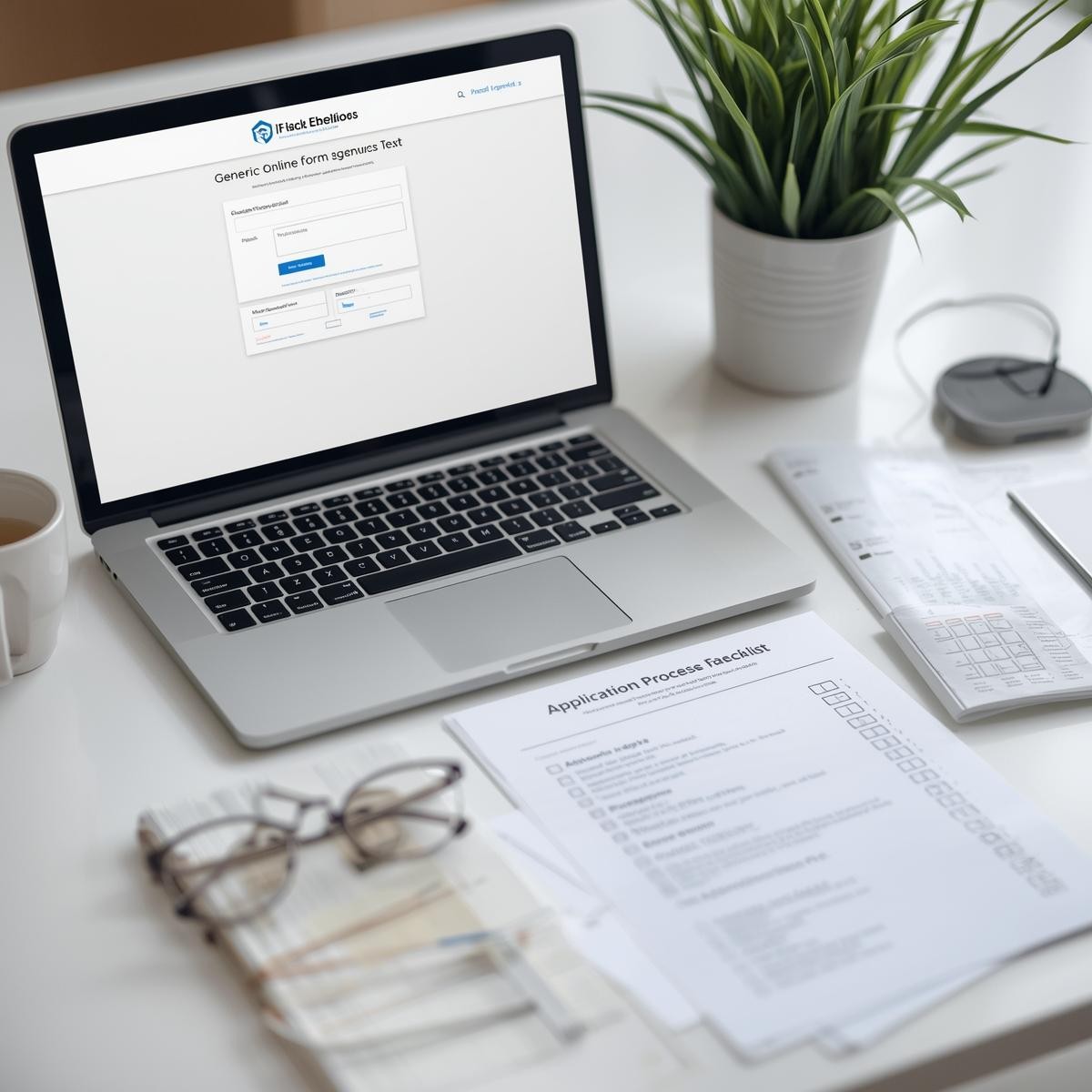
Online forms can feel overwhelming, especially when they ask for documents, log forcing, or time limits. This guide gives you a simple routine so you can finish forms calmly and correctly.
1) Before You Start (2-Minute Prep Checklist)
Do this first to avoid mistakes:
Use a stable device + internet (laptop is easier than phone for uploads)
Have key info ready: address, phone, email, ID details, dates (employment/school)
Create a folder called “Applications” to store files
Check the deadline and how long the form might take
Read the full form once (scroll through) before typing
Tip: If the form has a “Save and continue” option, use it.
2) Step-by-Step While Filling the Form
Step 1: Start with your name exactly as on ID
Match spelling, spaces, and order (first/last name).
Step 2: Use one email and one phone number consistently
If you change them, you may miss verification codes or updates.
Step 3: Save your answers as you go
If there’s no save button, copy long answers into Notes/Google Docs first.
Step 4: Upload documents carefully
Rename files clearly:
Passport_AminaKhan.pdf,Resume_2025.docxUse common formats: PDF, JPG, PNG, DOCX
Check file size limits (example: “max 5MB”)
After upload, confirm you see a checkmark / filename / preview
Step 5: Review before submitting
Check numbers (dates, phone, postal code)
Check spelling of your name
Confirm you selected the right options
Take a screenshot of the confirmation page (or save the confirmation email)
3) Common Mistakes (and how to avoid them)
Mistake: timing out and losing work
✅ Write long answers in Notes first, and submit when ready.Mistake: wrong file uploaded (or empty upload)
✅ Open the file after attaching to confirm it’s the correct one.Mistake: using autofill errors
✅ Autofill can insert old addresses/emails—double-check every field.Mistake: date format confusion
✅ Watch for YYYY-MM-DD vs MM/DD/YYYY (forms may differ).Mistake: missing required fields
✅ Look for red stars (*) or “required” labels before submitting.Mistake: errors in names
✅ Your name should match your ID. Small differences can cause delays.
If you get an error message:
Refresh only if you’ve saved your work. Otherwise, copy your text first.
Recent posts



Related Articles
Your go-to source for mental health insights, tools, and advice.